A lightning-fast 3D Gaussian Splatting viewer for Android and iOS. Open, explore and capture your real-world splats — entirely on your phone, with no cloud, no accounts and no subscription.
No internet, servers or cloud. Ever.
Free to use · Pro is one-time $4.99.
Reads only the one folder you pick.
A clean, native rendering engine.
One in-app purchase unlocks the full advanced capture & rendering toolkit. No subscription, works offline like the rest of the app. Available on Android and iOS.
GPU compute sort & pre-pass for smoother large scenes — with automatic WebGL2 fallback.
Smooth turntable orbit and cinematic keyframe flythrough capture, straight to your gallery.
High-resolution 2× JPEG snapshots of exactly the view on screen.
Dial motion detail vs. performance to match your device and scene.
Live re-decimation to cap how many splats render — keep heavy models fluid.
Spherical-harmonics shading for richer, view-angle reflections.
One tap straightens a tilted capture — remembered per file.
Choose exactly where your photos and videos are written.
Honest note on WebGPU: WebGPU uses your phone's GPU compute for faster sorting, but the visual speed-up is modest and it may be unavailable on older phones. If your device doesn't support it, the app automatically uses WebGL2 — and every other Pro feature still works fully on WebGL2.
Actual screen recordings from the app — detail retention, crisp edges and smooth navigation through large multi-loop environments.
Complex outdoor scenes load with crystal-clear accuracy — stonework, railings and foliage stay sharp.
Fly through large, multi-loop environments fluidly without draining memory or overheating.
Pro records a slow, buttery 360° turntable — perfect for showing off a capture.
No clutter — open a file, explore, and reach every tool from one clean sheet.
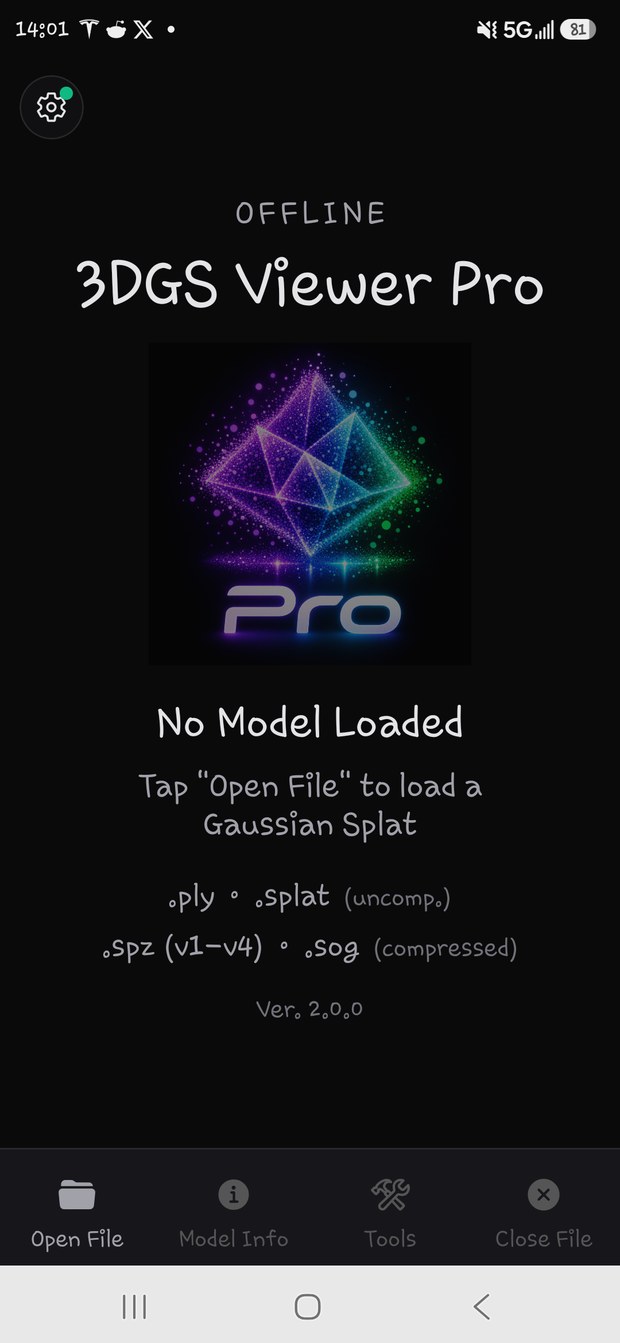
Open any supported file straight from local storage.
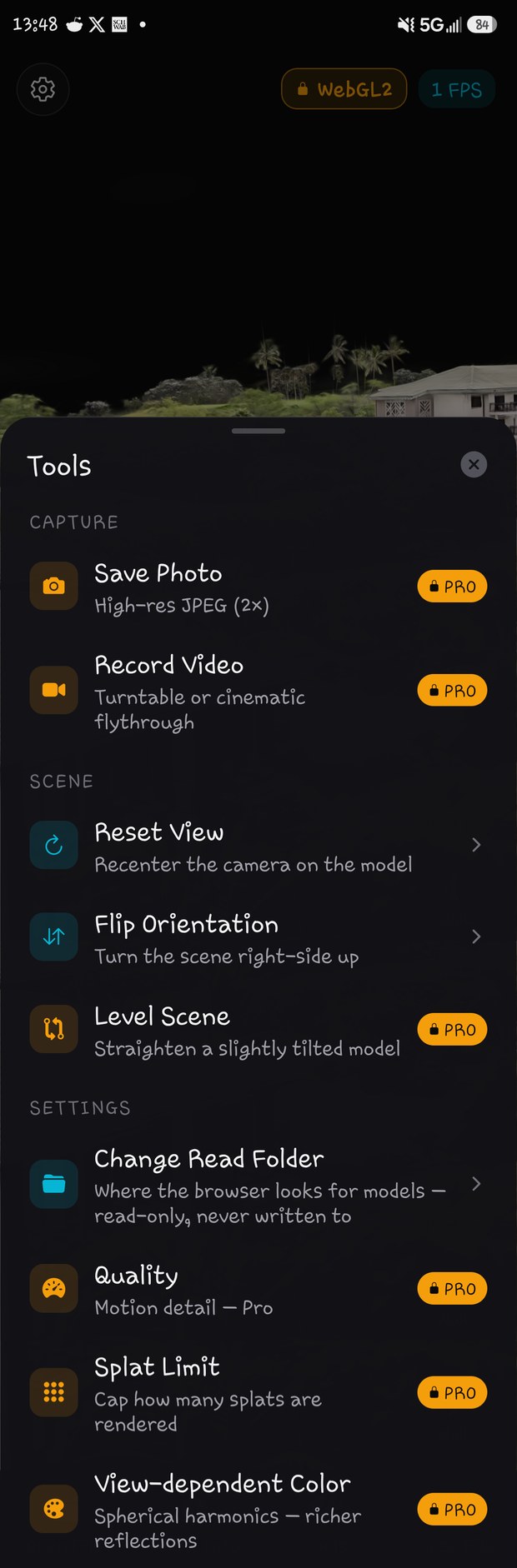
Capture, scene and rendering controls in one sheet — Pro tools clearly marked.
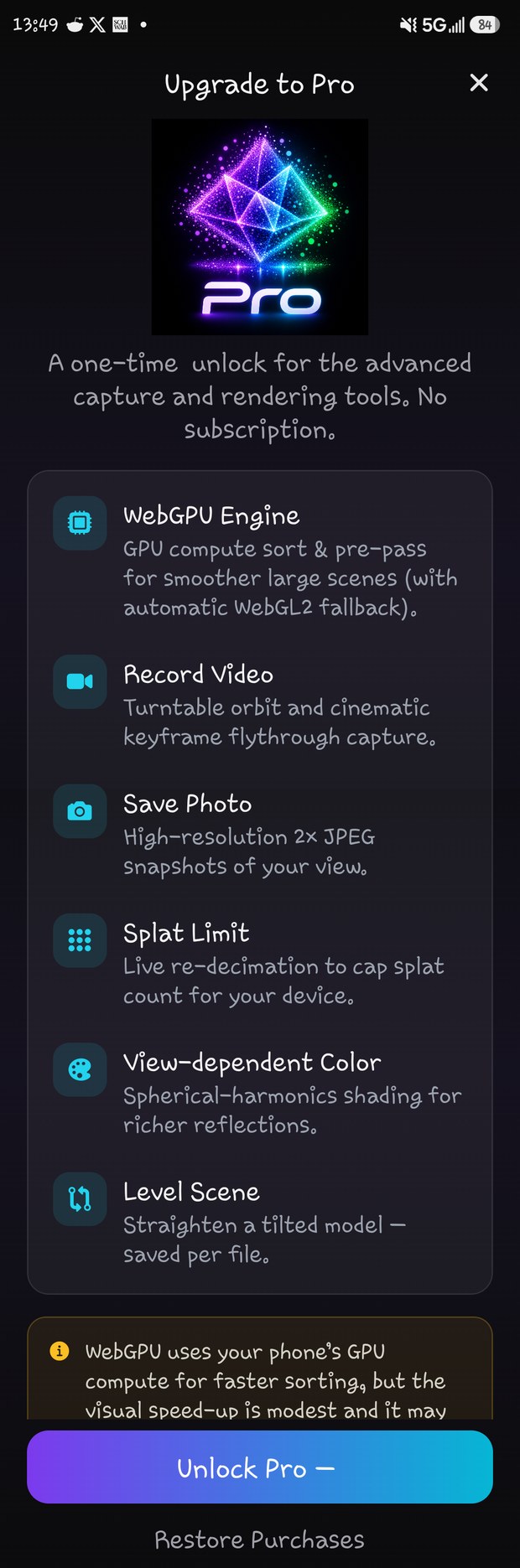
A single $4.99 purchase. No subscription, no accounts.
The free app is a complete viewer on its own. Pro and iOS add the pro-grade capture and rendering toolkit — once, forever.
| Feature | Free | Pro | iOS |
|---|---|---|---|
| Price | Free | $4.99 one-time | $4.99 one-time |
| Offline / on-device rendering | ✓ | ✓ | ✓ |
| All file formats.ply, .splat, .spz v1–v4, .sog | ✓ | ✓ | ✓ |
| Orbit / Pan / Zoom | ✓ | ✓ | ✓ |
| Walk modeTap-to-move first-person | ✓ | ✓ | ✓ |
| Optimized rendering | ✓ | ✓ | ✓ — always on |
| Reset / Flip / Level scene tools | ✓ | ✓ | ✓ |
| File accessAndroid: choose read folder · iOS: system Files picker | ✓ | ✓ | ✓ — system Files picker (all providers) |
| Works 100% offline | ✓ | ✓ | ✓ |
| No ads, no tracking | ✓ | ✓ | ✓ |
| Rendering engine | WebGL2 | WebGPU + WebGL2 | WebGPU (iOS 26+) ⇄ WebGL2, switchable |
| Performance / Splat LimitAndroid: quality presets · iOS: auto Perf + slider | Balanced | All presets | ✓ — auto Perf + Splat Limit (10% steps) |
| Splat LimitLive re-decimation | — | ✓ | ✓ |
| View-dependent ColorSpherical harmonics | — | ✓ | ✓ — .spz v4 only, up to SH1 |
| Level SceneStraighten tilt, saved per file | — | ✓ | ✓ — ±30°, saved per-model |
| Save PhotoHigh-res 2× JPEG | — | ✓ | ✓ |
| Video captureTurntable + flythrough | — | ✓ | ✓ — MP4 (saves to Photos) |
| Turntable + Cinematic flythrough | — | ✓ | ✓ |
| Custom save folder | — | ✓ | — |


This is a native rendering engine — not a web wrapper. It reads raw files straight from memory, with zero network dependency. Available on Android and iOS.
Operates entirely on your device storage. No background servers, no cloud syncs, no cookies, no data collection. Your 3D files stay entirely yours.
It never demands wide-open access to your storage, contacts or location. It reads only the one local directory you explicitly assign.
The render loop automatically drops to 1 FPS after a second of inactivity, drastically lowering power draw during static examination — no throttling.
A custom viewing system eliminates the spiky shapes and artifacts that ruin straight lines on balconies, railings and buildings.
Download a sample and experience the engine on your own device.
Sharper, smoother video capture, faster depth sorting, faster file loading, on-demand LOD (level-of-detail) grid generation, and resolved a minor GPU memory leak.
View-dependent Color (SH) now always starts off when you open a file and only loads its extra detail when you turn it on, keeping memory use low. If a large scene ever pushes the GPU too far, the app now recovers automatically and reopens the file instead of crashing.
Always-on high-performance rendering (no toggle needed). New Splat Limit control — cap rendered splats in 10% steps for smoother motion; resets to Max on each new file. MP4 video capture — turntable & cinematic clips save straight to Photos. WebGPU rendering on iOS 26+ with a one-tap switch to WebGL2. Level Scene widened to ±30° (correction saved per-model, never alters your file). View-dependent Color (spherical harmonics) for .spz v4. New app icon.
Slower, smoother turntable video capture. WebGPU now auto-enables on Pro (device permitting), with a new WebGPU toggle under Tools.
Introduced the one-time Pro unlock: WebGPU engine, Record Video, Save Photo, Quality presets, Splat Limit, View-dependent Color, Level Scene and custom save folder. No subscription.
First stable release. Empty-state polish — added OFFLINE tagline, enlarged title, doubled icon size.
Yes — 100%. There are no server calls, cloud uploads, accounts or tracking. Once installed, you never need an internet connection to open and explore your splats. This applies to both Android and iOS.
No. The app is free to use, and Pro is a single one-time purchase of $4.99 that unlocks the advanced tools forever. No recurring charges, ever.
Uncompressed .ply and .splat, plus compressed .spz (versions 1 through 4) and .sog.
WebGPU uses your phone's GPU compute for faster splat sorting. The visual speed-up is modest and it may be unavailable on older phones. If your device doesn't support it, the app automatically falls back to WebGL2 — and every other Pro feature still works fully.
Pro is tied to your Google Play or Apple ID account. Reinstall the app, tap Restore Purchases, and your unlock comes back — no extra charge.
Tap Open File and pick from Apple's Files screen — it shows every provider you have (On My iPhone/iPad, iCloud Drive, Google Drive, Dropbox, etc.). There's no separate "folder" step like on Android; iOS handles file access through its own picker. Tip: if a Google Drive file won't open, open the Drive app first and choose "Make available offline" (or download it) so iOS can hand it over instantly.
MP4 (H.264). Recordings save directly to your Photos library and play natively — no extra player needed.
The iOS app always runs in high-performance mode, so presets aren't needed. Instead you get a Splat Limit slider (in Tools) that caps how many splats are rendered — in 10% steps — for smoother motion on heavy scenes. It resets to Max whenever you open a new file.
On iOS 26+ it runs the faster WebGPU renderer and automatically falls back to WebGL2 on older devices. You can switch between them anytime by tapping the renderer pill next to the FPS readout (it reloads the current model).
It applies to .spz version 4 files only, up to SH1 (first-order spherical harmonics). Other formats show flat base color. It's off by default; the effect is subtle and only visible on shiny/reflective surfaces as you move the camera.
No. The tilt correction (up to ±30° pitch/roll) is saved per-model inside the app and re-applied when you reopen that file — your original .spz/.ply/etc. is never modified. This works the same on iOS and Android.
Yes — like the Android version, all rendering happens on-device. No account, no upload, no internet required.
Free to start. Unlock Pro once for $4.99 — no subscription, fully offline. Available on Android and iOS.
 3DGS Viewer